
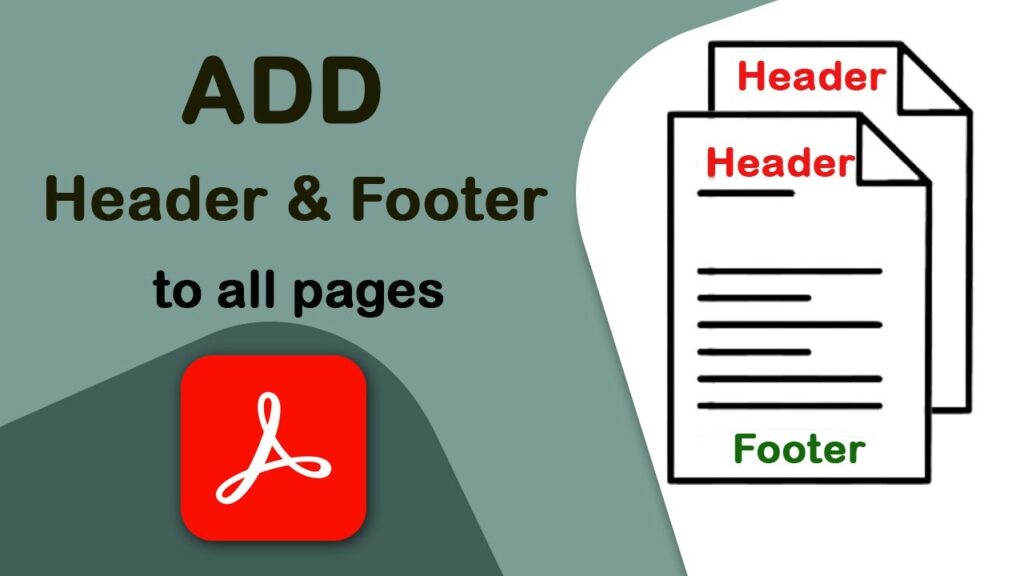
PDF Header And Footer Add — Agar aap apne PDF me header ya footer add karna chahte ho—jaise date, page number, company name, watermark style text ya koi bhi custom message—toh yeh simple sa online tool aapke kaam ko seconds me easy bana deta hai.Yaha kisi software install karne ki zaroorat nahi, bas file upload karo aur apna header/footer set karke download kar lo.
Indiprep.in ka mission hai “Preparation Tool of India” jaha par hum PDF tools, Image tools, Calculator tools, Documents tools aur bahut saare smart utilities free me provide karte hain.
Advanced PDF Header & Footer Add Tool
https://www.sejda.com/header-footer-pdf
✔ PDF Header & Footer Add Tool Kya Kaam Karta Hai?
Yeh tool specially un logon ke liye useful hai jo:
• Office ya school/college documents me header/footer add karna chahte hain
• Page numbers add karke PDF ko organize karna chahte hain
• Business invoice, report ya assignment ko professional look dena chahte hain
• Date/time, author name, website link ya koi note PDF me add karna chahte hain
Bas do steps — Upload → Customize → Download — aur PDF ready!
🔥 Key Features (Jo Users Sabse Zyada Pasand Karte Hain)
⭐ 1. Simple & Fast
Koi lengthy process nahi. Sirf PDF upload karo, jo text chahiye wo enter karo, aur tool turant final file export kar dega.
⭐ 2. Customize Header & Footer
Aap font size, alignment, page positioning sab choose kar sakte ho.
⭐ 3. Page Numbering Option
Chahe “Page 1 of 20” ho ya simple numbering — sab options available.
⭐ 4. Multi-Page Support
Chahe 2 pages ho ya 500 pages, tool saare pages me header/footer automatically apply karta hai.
⭐ 5. Secure & Browser-Based
Saara kaam aapke browser me hota hai, koi file kisi server par save nahi hoti.
📝 Kaise Use Kare? (Step-by-Step)
1.Upload PDF jo aap edit karna chahte ho
2.Header text ya Footer text type karo
3.Alignment set karo (Left, Center, Right)
4.Font size aur position adjust karo
5.Page numbering enable karna ho toh toggle on kar do
6.Generate PDF par click karo
7.Edited PDF file download kar lo
Bas! Itna easy.